A Beginner’s Guide to Private AI
For years, artificial intelligence has mostly lived in the cloud. You open a browser, type a prompt, and somewhere in a distant data center, powerful servers generate a response.
But in 2026, something is shifting.
More users are asking a simple question:
“Why not run AI directly on my own computer?”
Welcome to the world of local AI—a growing movement focused on privacy, speed, and full control.
What Does It Mean to Run AI Locally?
Running AI locally means the model operates entirely on your own machine, without sending your data to external servers.
Instead of relying on cloud services, everything—from processing prompts to generating responses—happens on your PC or laptop.
This approach is becoming more accessible thanks to:
- More efficient AI models
- Faster consumer hardware
- Open-source tools designed for everyday users
Why Local AI Is Gaining Popularity
1. Privacy Comes First
One of the biggest concerns with cloud-based AI is data handling. When you send prompts online, your data may be processed and stored externally.
With local AI:
- Your data stays on your device
- No external tracking
- Ideal for sensitive work (business, legal, personal)
This alone is driving a major shift in adoption.
2. No Internet? No Problem
Local AI works offline.
That means:
- No latency from remote servers
- No dependency on internet connection
- Perfect for travel or restricted environments
It also eliminates downtime caused by overloaded AI services.
3. Faster Response Times
When properly set up, local AI can feel surprisingly fast.
There’s no round-trip to the cloud—just direct processing on your hardware. For shorter prompts and tasks, the experience can feel almost instant.
4. Full Customization
Local setups allow you to:
- Choose different models
- Fine-tune behavior
- Control performance vs quality
This level of flexibility is something cloud tools rarely offer.
What You Need to Get Started
Running AI locally sounds complex, but it’s more approachable than ever in 2026.
Basic Requirements:
- CPU: Modern multi-core processor
- RAM: 16GB minimum (32GB recommended)
- GPU (optional but ideal): NVIDIA or AMD with at least 6–8GB VRAM
- Storage: 20–50GB free space
You don’t need a supercomputer—but better hardware definitely improves performance.
Popular Tools for Local AI
Several tools have made local AI accessible to non-developers:
1. LM Studio
One of the easiest ways to run AI models locally with a user-friendly interface.
2. Ollama
A lightweight tool focused on simplicity and quick setup.
3. GPT4All
Designed for offline use with a focus on privacy.
4. Text Generation Web UI
More advanced, but highly customizable for power users.
Each of these tools allows you to download and run models directly on your machine.
What Can You Actually Do with Local AI?
You might be surprised how useful it already is:
- Write and edit content
- Generate code or debug scripts
- Summarize documents
- Brainstorm ideas
- Run private chat assistants
- Analyze local files securely
While cloud AI is still more powerful overall, local AI is catching up quickly for everyday tasks.
Limitations You Should Know
Let’s keep it real—local AI isn’t perfect (yet).
Performance Depends on Hardware
Lower-end machines will run smaller models, which may feel less accurate.
Setup Can Take Time
It’s easier than before, but still not completely plug-and-play.
Large Models Are Demanding
Running cutting-edge models locally still requires high-end GPUs.
Local AI vs Cloud AI: Which One Wins?
There’s no single winner—it depends on your needs.
| Feature | Local AI | Cloud AI |
|---|---|---|
| Privacy | ✅ Full control | ❌ Limited |
| Speed | ✅ Low latency | ⚠ Depends |
| Power | ⚠ Hardware-based | ✅ Very high |
| Convenience | ⚠ Setup needed | ✅ Instant use |
In reality, many users in 2026 are using both.
Why This Trend Is Just Getting Started
Local AI isn’t just a niche—it’s becoming a movement.
As hardware improves and models become more efficient, running AI on personal devices will become:
- Easier
- Faster
- More powerful
In a world increasingly focused on privacy and control, local AI feels like a natural next step.
A Smarter Way Forward
Running AI locally gives you something cloud tools can’t: ownership.
You control your data, your performance, and your experience.
For tech enthusiasts, developers, and even everyday users willing to experiment, local AI in 2026 is no longer a curiosity—it’s a practical, powerful tool worth exploring.
OpenDAN: Your Personal Open-Source AI Operating System

Aura vs Qustodio: Which Parental Control App Is Better in 2026?
“Aura vs Qustodio” is one of the most common searches parents type in right before they …
Neuromorphic Chips: Brain-Like Tech Slashes AI Energy 70%
In 2026, artificial intelligence faces a quiet crisis. Training and running AI models consumes stagg…
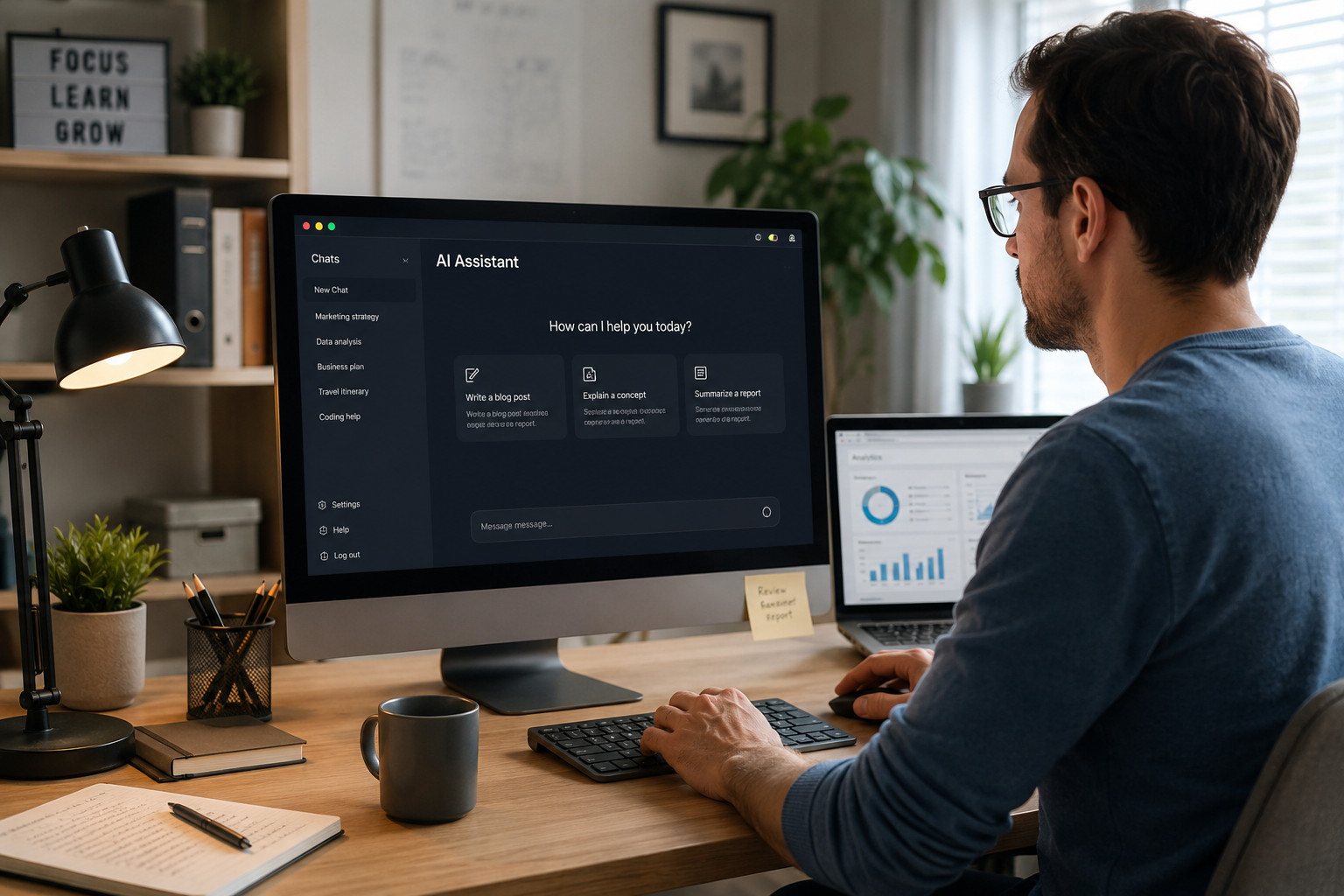
Best AI Productivity Tools for Remote Workers in 2026
The best AI productivity tools for remote workers in 2026 aren’t the ones with the most featur…

Best AI Tools for Students in 2026: Study Smarter Without Paying More
The best AI tools for students in 2026 have made a genuine leap from the glorified spell-checkers an…
Best AI Video Generators in 2026: Veo, Kling, Runway, and What Replaced Sora
If you’ve searched for the best AI video generators recently, you’ve probably noticed so…
What Are AI Agents? A Simple Guide to 2026’s Biggest Tech Shift
If you’ve used ChatGPT or Claude, you already know what an AI chatbot does: you ask something,…
Table of Contents