Keeping kids safe online has become one of the most common concerns for parents in 2026. The risks aren’t hypothetical — cyberbullying, inappropriate content, and online predators are real threats that exist behind a screen most parents can’t see into. A recent survey found that 86% of parents already check their children’s location, and 77% monitor their kids’ text messages.
The challenge isn’t deciding whether to use parental controls — most parents have already made that call. It’s choosing the right app for your specific situation: your child’s age, which devices they use, and how much visibility you need without creating a level of surveillance that damages trust.
This guide compares the best parental control apps in 2026 by use case, so you can pick the one that actually fits your family.
What to Look for in a Parental Control App
Before comparing specific apps, here’s what separates a genuinely useful tool from one that creates more friction than it’s worth:
- Platform coverage — does it work across iOS, Android, Windows, Mac, and gaming consoles? Coverage varies significantly between platforms.
- Social media monitoring — does it cover the platforms your kids actually use (Instagram, TikTok, Snapchat, Discord)?
- Screen time controls — can you set schedules, daily limits, and instant pause functions?
- Location tracking — real-time GPS, location history, and geofencing alerts when kids arrive or leave specific places.
- iOS limitations — Apple restricts what third-party apps can access on iPhones. Text and call monitoring work differently (or not at all) on iOS vs Android.
- Age-appropriateness — an app that works well for a 9-year-old may feel like spyware to a 16-year-old, creating conflict rather than safety.
1. Qustodio — Best Overall
Qustodio earns the most consistent top ranking across independent reviews in 2026, and the reasoning holds up under testing: it offers the most reliable location tracking of any app tested, alongside comprehensive screen time management, web filtering, and social media monitoring.
It monitors virtually any device — Android, iOS, Windows, Mac, Chromebook, and Amazon Fire — with cross-platform tracking managed from a single dashboard. Per-app screen time limits work in 15-minute increments, and category filtering allows either a hard block or a “warn first” approach depending on how strict you want to be. The Panic Button feature lets a child instantly share their live location with trusted contacts with one tap — a meaningful safety net that most competitors don’t offer at all.
The main limitation is platform-dependent: some features, including the Panic Button and in-app monitoring for Instagram, TikTok, Snapchat, and X, are Android-only and unavailable on iPhone. Apple’s restrictions on third-party access mean iOS users get a narrower feature set regardless of which app they choose.
Pricing: Basic from ~$54.95/year (5 devices); Complete from ~$99.95/year (unlimited devices) Free tier: Yes — the only major option offering a genuinely free forever plan Best for: Families who want comprehensive monitoring with the most reliable location tracking available
2. Bark — Best for Social Media and Content Monitoring
Bark takes a different approach from most parental control apps: instead of giving you full access to every message your child sends, its AI scans messages, posts, and content across more than 30 social media platforms and messaging apps, flagging only genuine concerns.
The AI analyzes content in context and can detect cyberbullying, grooming attempts, signs of self-harm, violence, sexual content, and drug-related conversations — then alerts parents only when something concerning comes up, rather than handing over full chat transcripts. For parents who want to catch real dangers without reading every single message their teenager sends, this middle-ground approach reduces both the surveillance feeling and the sheer volume of information to sift through.
Setup is more involved than some competitors — Bark’s social monitoring requires installation on both the parent’s and child’s device, and the process can take 30 to 60 minutes depending on the device and number of platforms being monitored. For families with multiple children on different devices, expect to repeat the setup for each one separately.
Pricing: Mid-range, among the pricier options in the category Best for: Parents of tweens and teens who want AI-powered content monitoring across many platforms without reading every message
3. Aura Parental Controls — Best for Teens
Aura takes a notably different philosophy from most competitors on this list: rather than full surveillance, it monitors how a teen communicates online — tone, patterns, habits — without reading their actual messages. For families with teenagers, where trust and growing autonomy genuinely matter, this lighter-touch approach creates far less conflict than apps that feel like spyware to a 15-year-old.
Aura’s standout feature is Safe Gaming, which monitors in-game voice and text on platforms like Discord and Fortnite — spaces most parental control apps ignore entirely, despite toxicity, harassment, and inappropriate contact happening there just as often as on Instagram. The Family plan also adds child SSN monitoring, a practical addition for high schoolers who are starting to open their own financial accounts and becoming identity theft targets in their own right.
The most significant gap: Aura has no GPS location tracking or geofencing at all. For families where knowing a child’s real-time location is the top priority, that’s a dealbreaker — Aura would need to be paired with a separate location app, or families should choose Qustodio instead.
Pricing: Starting around $4.99/month; 31-day free trial Best for: Parents of teenagers who want behavioral insight without reading every message, and families who also want bundled VPN, antivirus, and identity protection
4. Norton Family — Best for Web Filtering and Younger Kids
Norton Family focuses heavily on web filtering and content control, with predefined filtering rules based on a child’s age and more than 45 website content categories to fine-tune exactly what they can access. Instead of manually building allow/block lists, you select an age group and the app applies appropriate filters automatically — a meaningful time-saver for parents managing multiple children at different ages.
Geofencing and reliable YouTube browser monitoring round out the feature set, making it particularly well-suited for younger children whose primary online activity is browsing and video content rather than social media and messaging. Because it’s backed by Norton’s broader security infrastructure, it can also be bundled with antivirus and VPN protection for households already considering a Norton subscription.
Best for: Parents of younger children focused primarily on web and video content filtering
5. Google Family Link — Best Free Option
For parents who want to test the waters before committing to a paid subscription, Google Family Link is free and lets you manage apps, control screen time, and track your child’s location. Its closest competitor in the free category is the free version of Qustodio.
Family Link works well for managing Android devices specifically, where Google’s ecosystem gives it deeper integration than a third-party app could achieve. The trade-off is a narrower feature set than paid alternatives — no AI-powered content scanning, no social media monitoring, and a more basic feature set overall. For parents of younger children whose primary need is screen time limits and basic app management rather than deep social media oversight, it’s a genuinely capable starting point.
Pricing: Free Best for: Parents wanting basic screen time and location controls without paying for a subscription, especially on Android
iOS vs. Android: Why It Matters
Apple has strict rules limiting what third-party apps can access on iPhones — call and text monitoring work very differently between platforms, and parental control apps simply cannot offer the same depth of features on iOS that they can on Android.
If your child uses an Android device, you’ll have access to the full feature set of whichever app you choose. If your child uses an iPhone or iPad, reliable apps tend to focus more on alerts, app restrictions, and screen-time enforcement rather than full message or call monitoring — pay close attention to each brand’s specific iOS limitations before subscribing.
Quick Comparison
| App | Best For | Location Tracking | Social Media Monitoring | Free Option |
|---|---|---|---|---|
| Qustodio | Overall / location tracking | ✅ Best in class | ✅ (Android-focused) | ✅ Yes |
| Bark | Content monitoring across platforms | ❌ | ✅ 30+ platforms | ❌ |
| Aura | Teens / behavioral insight | ❌ None | ✅ Tone & pattern based | ❌ (31-day trial) |
| Norton Family | Web filtering, younger kids | ✅ Geofencing | Limited | ❌ |
| Google Family Link | Free basics | ✅ Yes | ❌ | ✅ Yes |
A Note on Trust, Not Just Surveillance
The best parental control apps aren’t surveillance tools — they’re safety systems that work for both the parent and the child. An app that feels like constant spying creates conflict and pushes kids toward workarounds, while a lighter-touch approach that flags genuine concerns tends to build more trust over time, especially with teenagers.
Pairing whichever app you choose with simple router or DNS-level filtering at home adds another layer that’s harder to bypass, even when kids switch devices or networks. No single tool is foolproof, but a thoughtful combination of monitoring and ongoing conversation tends to work better than either one alone.
Which Should You Choose?
For most families, Qustodio offers the best all-around balance of location tracking, screen time controls, and platform coverage — and its free tier means you can test it before paying anything. If your primary concern is what your teenager is exposed to on social media rather than reading every message, Bark or Aura offer a less invasive approach. And if you’re managing younger children whose main activity is browsing and video, Norton Family’s age-based filtering is hard to beat.
Best Parental Control Apps in 2026

What Data Do Smart Home Devices Collect? (And What Happens to It)

Best Cellular IoT Data Plans for US Makers in 2026: Hologram vs Twilio vs Soracom Tested
Windows 11 vs Linux in 2026 — Should You Switch?
Best Linux Distros for Privacy and Security in 2026
Privacy in 2026 is not a nice-to-have — it’s a necessity. Windows 11 phones home constantly. m…

Neuromorphic Chips: Brain-Like Tech Slashes AI Energy 70%
In 2026, artificial intelligence faces a quiet crisis. Training and running AI models consumes stagg…
Best AI Productivity Tools for Remote Workers in 2026
The best AI productivity tools for remote workers in 2026 aren’t the ones with the most featur…

Best AI Tools for Students in 2026: Study Smarter Without Paying More
The best AI tools for students in 2026 have made a genuine leap from the glorified spell-checkers an…
Best AI Video Generators in 2026: Veo, Kling, Runway, and What Replaced Sora
If you’ve searched for the best AI video generators recently, you’ve probably noticed so…

What Are AI Agents? A Simple Guide to 2026’s Biggest Tech Shift
If you’ve used ChatGPT or Claude, you already know what an AI chatbot does: you ask something,…
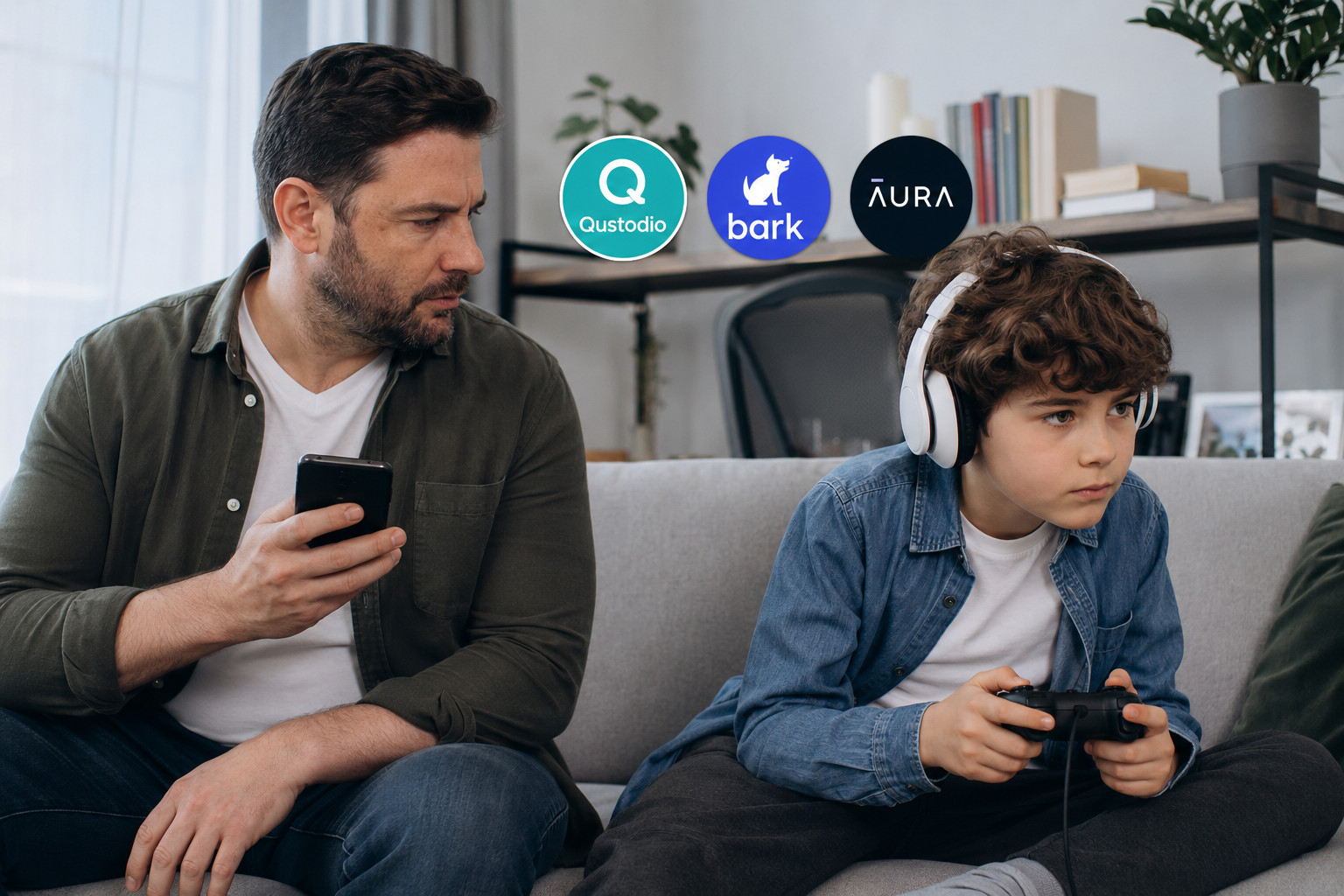
Best Parental Control Apps in 2026: Qustodio, Bark, Aura, and More Compared
Keeping kids safe online has become one of the most common concerns for parents in 2026. The risks a…
Table of Contents